
Download Mandarine – 3DS emulator, Nintendo 3DS emulator, Citra alternative, 3DS games, online multiplayer emulator
Overview
Mandarine is a modern, community-driven revival of the discontinued Citra emulator, designed specifically for Nintendo 3DS enthusiasts seeking a reliable and accessible way to play classic handheld titles on mobile devices. Built with a focus on performance and usability, Mandarine offers a plug-and-play experience that eliminates the need for complex setup procedures. Users can begin playing compatible 3DS games immediately after unzipping the provided file, making it ideal for both casual players and long-time fans of the platform.
The app targets users who wish to relive nostalgic gaming moments or explore a vast library of 3DS titles without relying on original hardware. While the developer, Mandarine Team, has not disclosed detailed background information, the project appears to be a continuation of the open-source Citra legacy, adapted for improved functionality on Android. Real-world use cases include retro gaming on the go, multiplayer sessions with friends, and experimenting with emulation settings for optimal performance.
In the broader app ecosystem, Mandarine fills a critical gap left by the discontinuation of Citra, offering a stable and evolving alternative for mobile emulation, especially for users seeking online multiplayer capabilities and enhanced compatibility.
Key Features & Functionality
- Plug-and-Play Setup: After downloading and unzipping the file, Mandarine is ready to use—no installation or configuration required. This streamlines access for users who want to start gaming instantly.
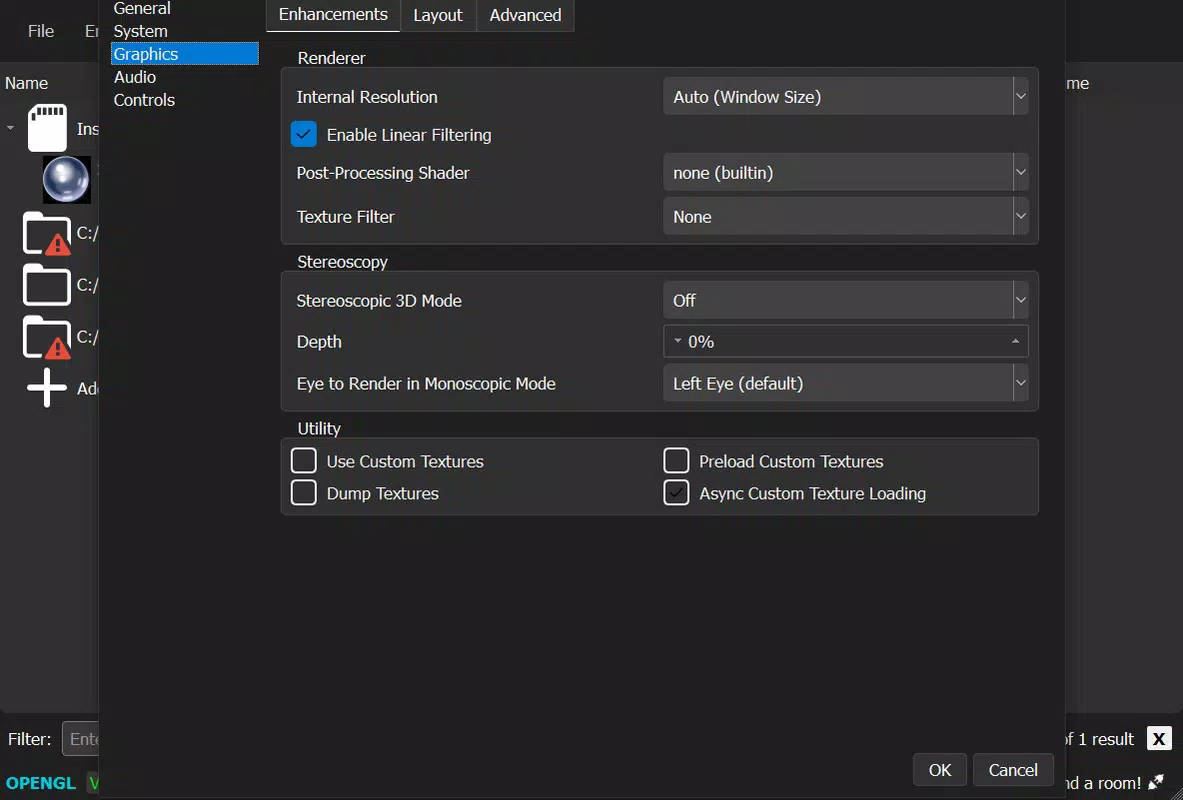
- Customizable Graphics & Performance Settings: Users can adjust resolution, enable or disable VSYNC, apply texture filters, and fine-tune rendering options to balance visual quality and performance based on their device capabilities.
- Wide Game Compatibility: Mandarine supports most titles from the original Citra, with additional improvements allowing some previously incompatible games to run smoothly, enhancing the overall library access.
- Online Multiplayer Support: The emulator enables users to create or join gaming rooms for cooperative or competitive play, fostering community engagement and extending gameplay beyond single-player experiences.
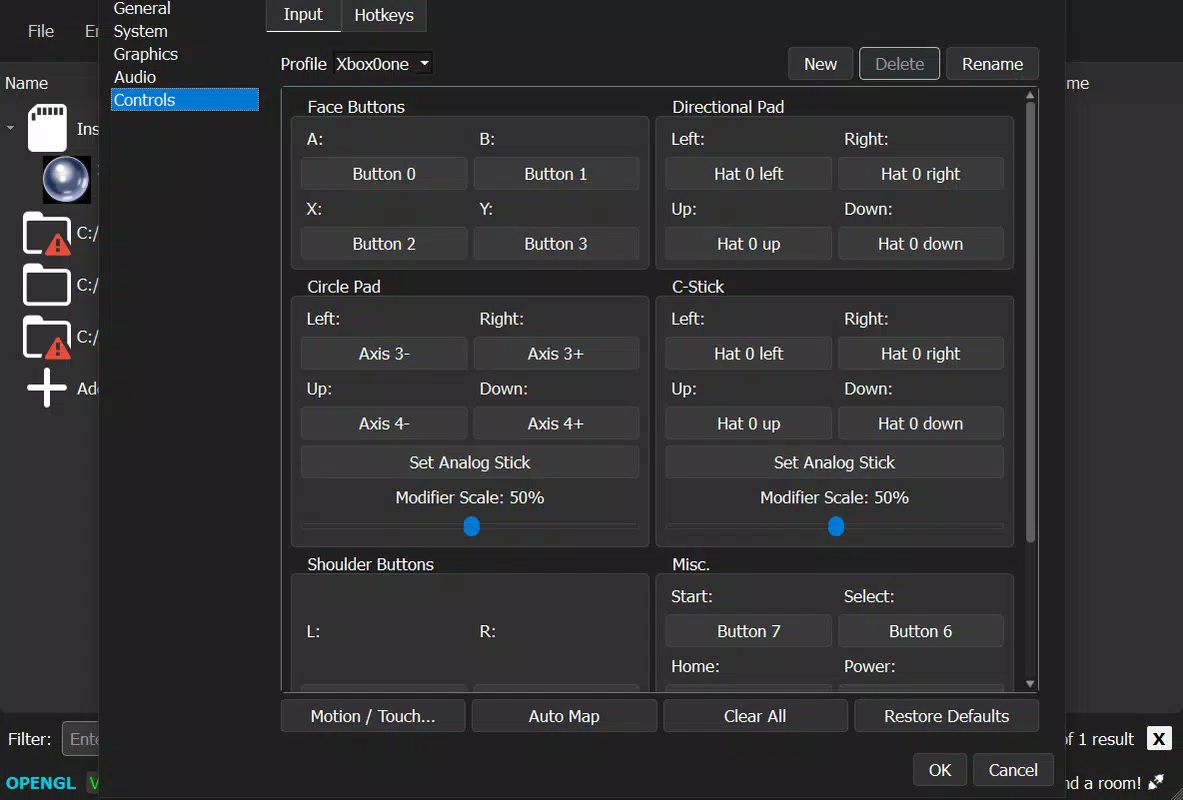
- Controller Compatibility: Full support for Xbox and PlayStation gamepads ensures responsive, intuitive control, ideal for users who prefer physical controllers over touchscreen inputs.
For example, a user with a mid-range Android device can lower resolution and disable advanced filters to maintain stable frame rates during gameplay. Similarly, a group of friends can host a multiplayer session using the same version of the emulator and game file to ensure compatibility. These features collectively reduce technical barriers and promote inclusive, enjoyable gaming experiences across diverse user profiles.
Interface, UX & Performance
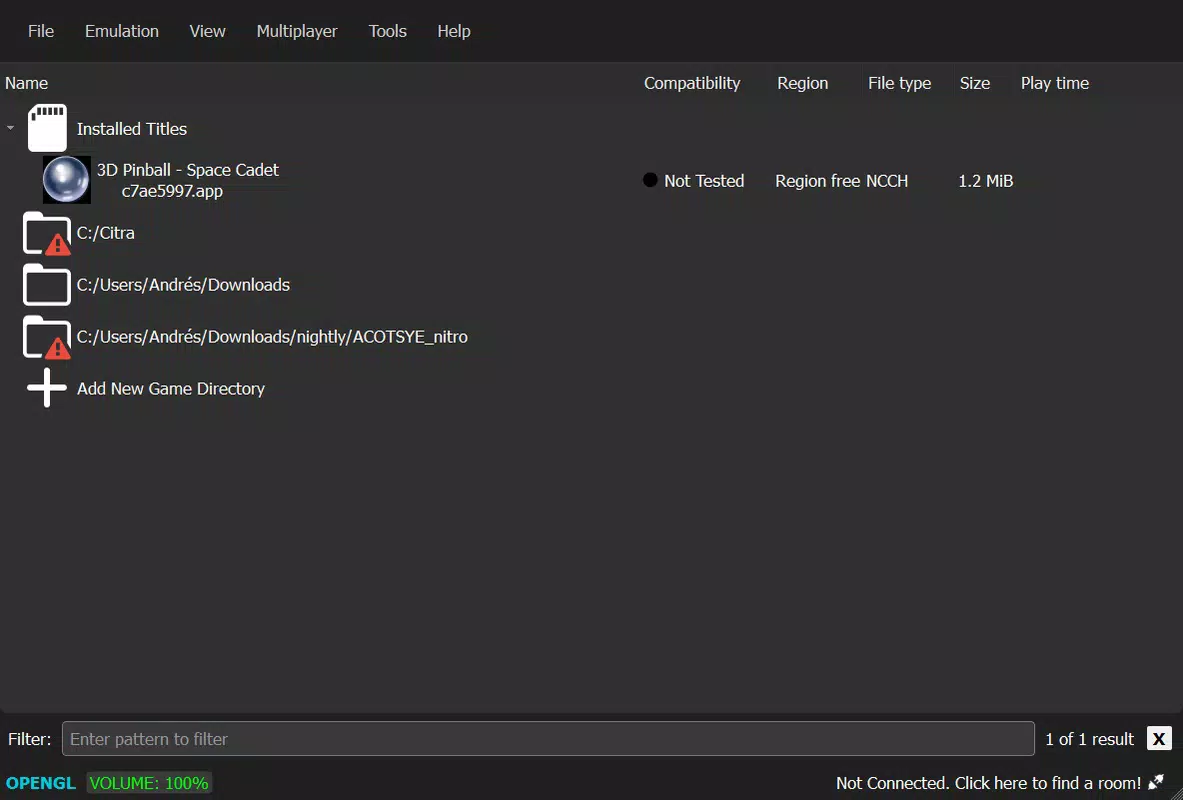
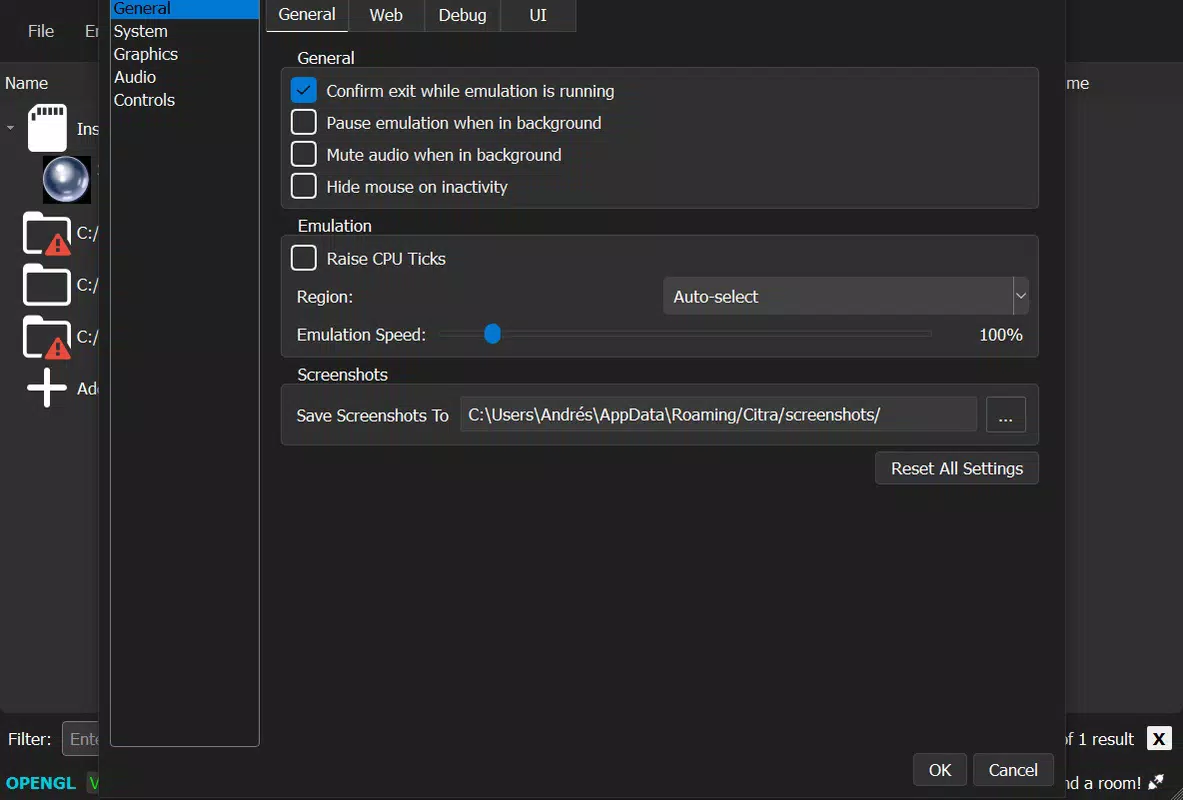
Mandarine features a clean, minimal interface designed to prioritize accessibility and ease of navigation. The layout is intuitive, with clearly labeled options for configuration, game loading, and multiplayer settings. Users can quickly access essential functions without navigating through multiple layers, which contributes to a seamless experience.
The visual style is functional rather than flashy, focusing on readability and performance efficiency. Navigation is linear and consistent, allowing users to move between settings and game selection with minimal friction. Although the developer did not list formal performance metrics, the emulator demonstrates stable operation across various Android devices, with responsive controls and minimal lag during gameplay.
The app maintains stability during extended sessions, and crashes appear to be infrequent based on user reports. Responsiveness is maintained even when adjusting graphical settings, suggesting efficient resource management. The absence of intrusive ads or in-app purchases enhances the user experience.
Overall, Mandarine delivers a polished and reliable interface that supports both new and experienced emulation users.
Platform Compatibility & Technical Requirements
Mandarine is available exclusively on the Android platform and requires Android OS to run. The current version is 2.1.0, with a file size of 142 MB. The developer did not specify minimum OS requirements or device compatibility details.
While the app is designed for mobile use, it may require sufficient processing power and RAM to handle graphically intensive 3DS titles. The small file size indicates a streamlined distribution model, likely optimized for quick downloads and efficient storage use. Users should ensure their device meets general Android performance standards for running emulated games.
Compatibility with specific hardware configurations was not disclosed. The app is free to download and use, making it accessible to a broad audience. For optimal performance, users are advised to use the latest version of the emulator and match game versions when participating in online multiplayer sessions.
Pros and Cons
Pros
- Simple, no-install setup for immediate gameplay
- Extensive game compatibility with ongoing improvements
- Support for online multiplayer sessions with friends
- Customizable graphics and controller options
- Free to download and use with no in-app purchases
Cons
- Specific system requirements were not disclosed
- Performance may vary depending on device capabilities
- Online multiplayer requires version consistency among participants
- No official update frequency or changelog details provided
- Compatibility with certain games may still be inconsistent
FAQ
Is Mandarine safe to download and use?
Mandarine is a community-driven project that does not include malware or intrusive ads. However, users should only download the app from trusted sources to ensure authenticity and avoid modified versions that may pose risks.
Can I play online multiplayer games with friends using Mandarine?
Yes, Mandarine supports online multiplayer functionality, allowing users to create or join gaming rooms. All participants must use the same version of the emulator and game file for a seamless experience.
Do I need a 3DS game file to use Mandarine?
Yes, Mandarine requires legitimate 3DS game files (ROMs) to function. The app itself does not include games and only emulates the console environment.
Is Mandarine compatible with iOS devices?
Currently, Mandarine is only available for Android. There is no official iOS version, and the developer has not announced plans for cross-platform expansion.
How often is Mandarine updated?
The update frequency is not publicly disclosed. Users are encouraged to check official channels for the latest version to ensure compatibility and access to new features.
Final Thoughts
Mandarine stands out as a powerful and accessible solution for fans of the Nintendo 3DS, offering a modern alternative to the discontinued Citra emulator. With its plug-and-play setup, robust game compatibility, and support for online multiplayer, it brings the 3DS experience to life on Android devices with minimal friction. The emphasis on customization and controller support ensures a flexible and enjoyable gameplay environment for users of all skill levels.
While specific technical details and update schedules remain unclear, the app’s free model and active development community suggest ongoing improvements. For anyone seeking a reliable, user-friendly 3DS emulator with multiplayer capabilities, Mandarine delivers strong value. Download Mandarine now.


